One client record. Every application.
Upload the carrier’s application PDFs or a scan and fill them from the client’s record. AppliFlo for Chrome fills carrier portals page by page and stops before you submit. Applications and disclosures go out for signing with a seal.
- Any carrier PDF or scan
- Carrier portals filled; you submit
- PAdES seal and audit trail

The same client details, typed into every application.
Filled from the client’s record. You check each page, then submit.
Insurance
Application PDFs and portals filled from one client record.
See how it works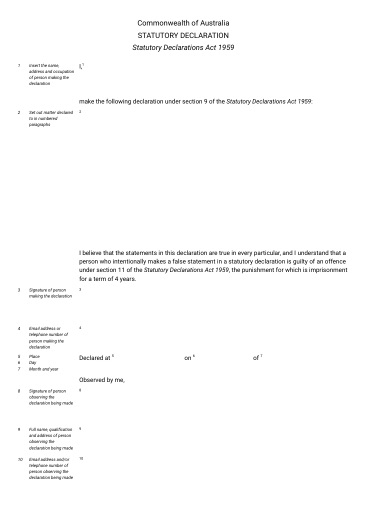 Stat Dec (Cth)AGD · 2p
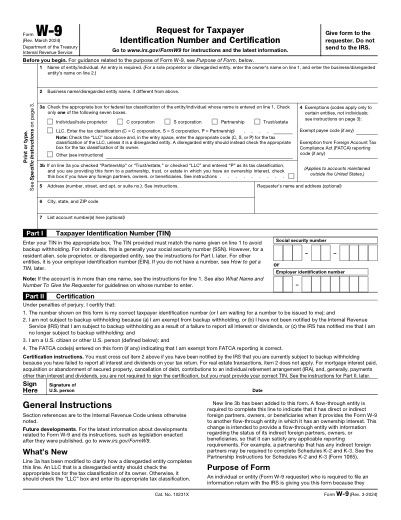 W-9IRS · 6p
The same insured, re-keyed into every portal.
A renewal or a new risk means the same business details typed into application PDFs and carrier portals, one carrier at a time.
Carrier portals
Each carrier has its own portal, with the same questions in a different order.
Application PDFs
Long applications filled by hand, with a fresh chance for a typo on each.
Signatures and disclosures
Applications and disclosures to sign before cover can be bound.
One record, every carrier
Fill the PDFs and the portals from the same record. You check and submit.
 GlobalyOSRead and write
 HubSpotRead-only
- CSV & ExcelUpload
- Contact
- Sam Okafor
- Address
- 12 Harbour St, Sydney
- Employees
- 11
- Turnover
- $1.2M
Application ready to check
Review
SEALEDcert. attached
Example data. Every person here is made up.
The forms this work runs on
2 official forms from the library, 2 agreement templates to start from, and the online forms AppliFlo for Chrome fills.
Official forms · ready to fill, no AI pages
Carrier and ACORD forms aren’t in the library: upload your own and they’re read with AI.
Agreement templates · starting points, check the wording
Online forms · filled in Chrome, submitted by you
- Carrier quote and new-business portals
- Renewal forms
- Claims lodgement forms

Bring your data from where it lives
There’s no direct management-system connector. Use a CSV or Excel export, HubSpot (read-only), GlobalyOS or the API.
Live
- CSV & ExcelCSV · XLSX · upload when you fill
- HubSpotOAuth, read-only
- GlobalyOSOne-click Connect · signed copies go back
 REST APIOpenAPI spec · Business
 MCP serverFor AI agents · Business
Roadmap
 SalesforceComing
 Google SheetsComing
Questions about insurance
Something else? Ask the team.
Are ACORD forms in the library?
No. Upload the ACORD or carrier PDFs you already use. AppliFlo reads them with AI, and form memory keeps your corrections for the next client.
Does it bind cover or submit to the carrier?
No. In Chrome it fills each page and stops on the final step. You check it and press Submit.
Can we connect our management system?
Not directly. Use a CSV or Excel export, HubSpot (read-only), GlobalyOS, or the REST API and MCP server on Business.
When is the Chrome extension available?
Yes. AppliFlo for Chrome is in the Chrome Web Store, free to add, and PDF and Word forms, Sign and Docs work in AppliFlo.
Related solutions
 IndustryFinancial services & lendingApplication packs filled from one record, flags shown to you.See the page
 IndustryReal estate & propertyRental applications and leases signed by every party.See the page
 Use caseClient intakeIntake forms, consents and letters, filled once and signed together.See the page