Your details on every job portal. Free.
Save your work history, education and CV once. AppliFlo for Chrome fills each job application page by page, attaches your CV and stops before you submit. Fill as me is free on every plan.
- Free on every plan, never uses AI pages
- Never submits for you
- Tax and bank details only after you confirm

Same work history, new portal.
Every careers site wants your history in its own boxes. You paste the same jobs, dates and referees, then upload the CV that already says all of it.

Retyping the CV
Work history, dates and education, copied out of the CV you just uploaded.
A new account every time
Each application is another login and four or five pages of questions.
Then the new-job paperwork
Once you get the job: tax, super or withholding forms, and an identity check.
Your profile, every portal
Your details stay yours. The AI only sees the form’s field labels, never your values.
- Name
- Ana Costa
- ana.costa@example.com
- Current role
- Barista · Harbour Cafe
- Education
- Diploma of Hospitality
- Files
- cv.pdf · cover-letter.pdf
Review
Ready to sign. Your TFN stays with you.
Example data. Every person here is made up.
The forms this work runs on
6 official forms from the library, and the online forms AppliFlo for Chrome fills.
Official forms · ready to fill, no AI pages
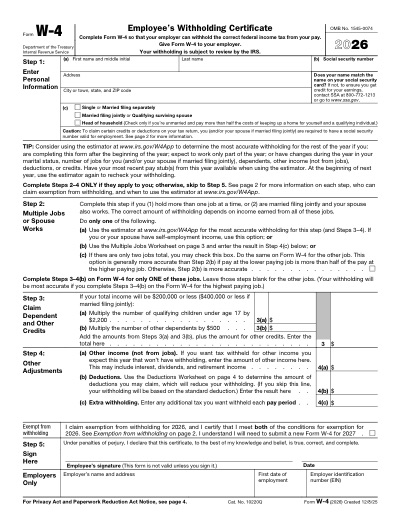
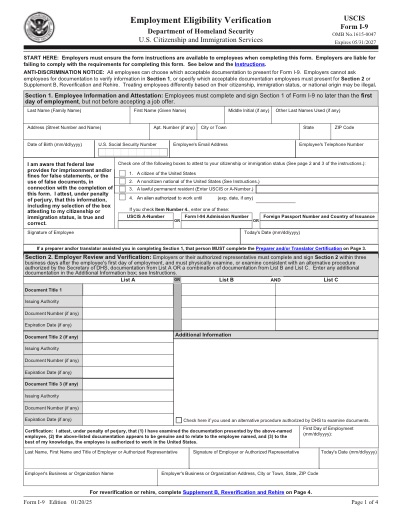
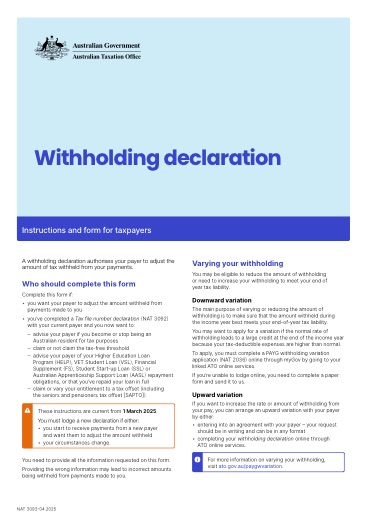
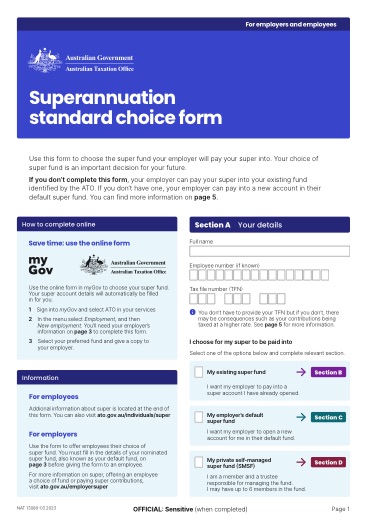
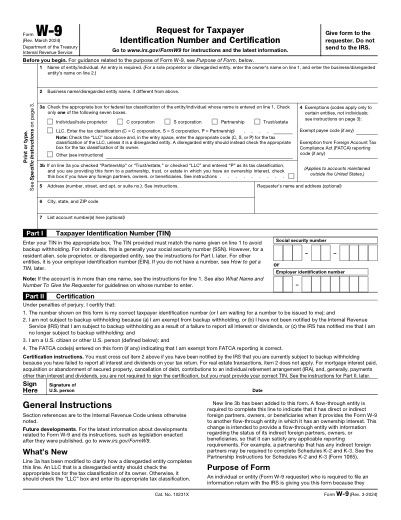
The forms a new job usually asks for. Official forms never use AI pages.
Online forms · filled in Chrome, submitted by you
- Employer careers sites
- Job boards with apply forms
- Recruitment agency sign-ups
- Graduate programs
Questions about job applications
Something else? Ask the team.
Is Fill as me really free?
Yes. It is free on every plan, including Free, and it never uses AI pages.
Does it submit applications for me?
No. In Chrome it fills each page and stops on the final step, so you check it and press Submit yourself. It never pays a fee for you. For PDF and Word forms you get the filled file to check before anything is sent.
What can it fill?
Anything you save in your profile: contact details, work history, education and referees, plus files such as your CV and cover letter.
What about my tax file number or bank details?
Sensitive details such as a tax file number or bank account are filled only after you confirm, site by site. The AI sees field labels, never your values.
When can I get the extension?
Yes. AppliFlo for Chrome is in the Chrome Web Store, free to add, and PDF and Word forms, Sign and Docs work in AppliFlo.
Related solutions
 Use caseStudy & admissionsUniversity portals filled from saved details, with uploads.See the page
 Use caseHR onboarding & staffingOffer letters and new-hire forms, bulk sent to every starter.See the page
 Use caseVisa & immigrationOfficial visa forms and online portals, filled from the client’s record.See the page