On this page
- Short answer
- What does a confident wrong answer cost on an official form?
- How accurate is AI form filling, really?
- What kinds of uncertainty should an AI form filler flag?
- What should a flag show the reviewer?
- How should an AI form filler learn from corrections?
- Where should AI never decide on a form?
- What should you ask an AI form-filling vendor?
- Questions people ask
- Sources
Short answer
AI form filling is only as trustworthy as what it does when it isn't sure. A good filler fills what it can support from the record, flags anything missing, ambiguous or conflicting for a person to decide, and never decides declarations, signatures or submission on its own. Judge tools by how they handle doubt, not by a headline accuracy figure.
Key takeaways
- On official forms, a confident wrong answer is worse than a blank.
- Doubt comes in three kinds: missing data, ambiguous labels and conflicting records.
- A useful flag names the field, the reason, the source and the choices.
- Learning from corrections is good, as long as the corrections stay visible and reversible.
- Declarations, signatures and the Submit button belong to people.
Picture a migration agent at 6pm, forty fields into a client's form. The software has filled every box. It looks finished. Somewhere in there is an address from three years ago, picked because it was the first one in the record, and a "No" ticked on a question nobody actually asked the client. Neither will be noticed until a case officer notices.
This is the failure mode that matters with AI form filling. Not the blank field, which everyone spots, but the confident wrong one. Here's how we think an AI form filler should handle doubt, and what to ask any vendor, including us.
What does a confident wrong answer cost on an official form?
More than a blank. A blank gets noticed and fixed before anything is signed. A plausible wrong value passes review, gets signed under a declaration and lands with an agency that treats accuracy as the applicant's legal responsibility. The cost then falls on the client, and the trust falls on you.
Official forms are explicit about this. Home Affairs' Form 80 (opens in a new tab) opens its declaration with: "Giving false or misleading information is a serious offence." The partner-visa supporting statement, Form 888 (opens in a new tab), warns that the Migration Act 1958 "provides penalties for providing false or misleading statements," including imprisonment.
Software doesn't sign those declarations. People do. So the job of AI on these forms isn't to be right as often as possible; it's to never be silently wrong.
How accurate is AI form filling, really?
It depends on the form, the scan and the data, which is why a single headline percentage is close to meaningless. Clean fillable PDFs with complete records fill almost mechanically. Blurry scans of unusual forms, with half the data missing, don't. The better question is what the tool does in the hard cases.
When you evaluate a tool, test it on:
- your worst scan, not the vendor's demo form
- a client record with gaps: no middle name, no previous address
- a record with conflicts: two addresses, two surnames, two phone numbers
- a form with grouped Yes/No questions and dates split into boxes
- a value that's too long for its box
Then count the confident wrong answers, not the filled fields.
What kinds of uncertainty should an AI form filler flag?
Three kinds cover almost everything. Missing data, where the record has no value for a field. Ambiguous labels, where the question could mean more than one thing. And conflicting records, where the data holds two plausible answers. Each needs a person, and each needs a different kind of flag.
| Kind of doubt | Example | What a guess looks like | What a flag should do |
|---|---|---|---|
| Missing data | Form asks for a previous address; the record has none | Leaves the current address in, or invents a plausible one | Mark the field "needs you" and say nothing was found |
| Ambiguous label | "Name" on a page about the employer, not the applicant | Fills the applicant's name | Ask whose name the field means |
| Conflicting records | Home and postal addresses both on file | Picks the first | Show both and ask which goes on this form |
| Doesn't fit | A long address in a short box | Cuts it off silently | Shrink to fit visibly, or flag for a person |
The fourth row isn't strictly uncertainty, but it behaves like it: something the reviewer must see.
What should a flag show the reviewer?
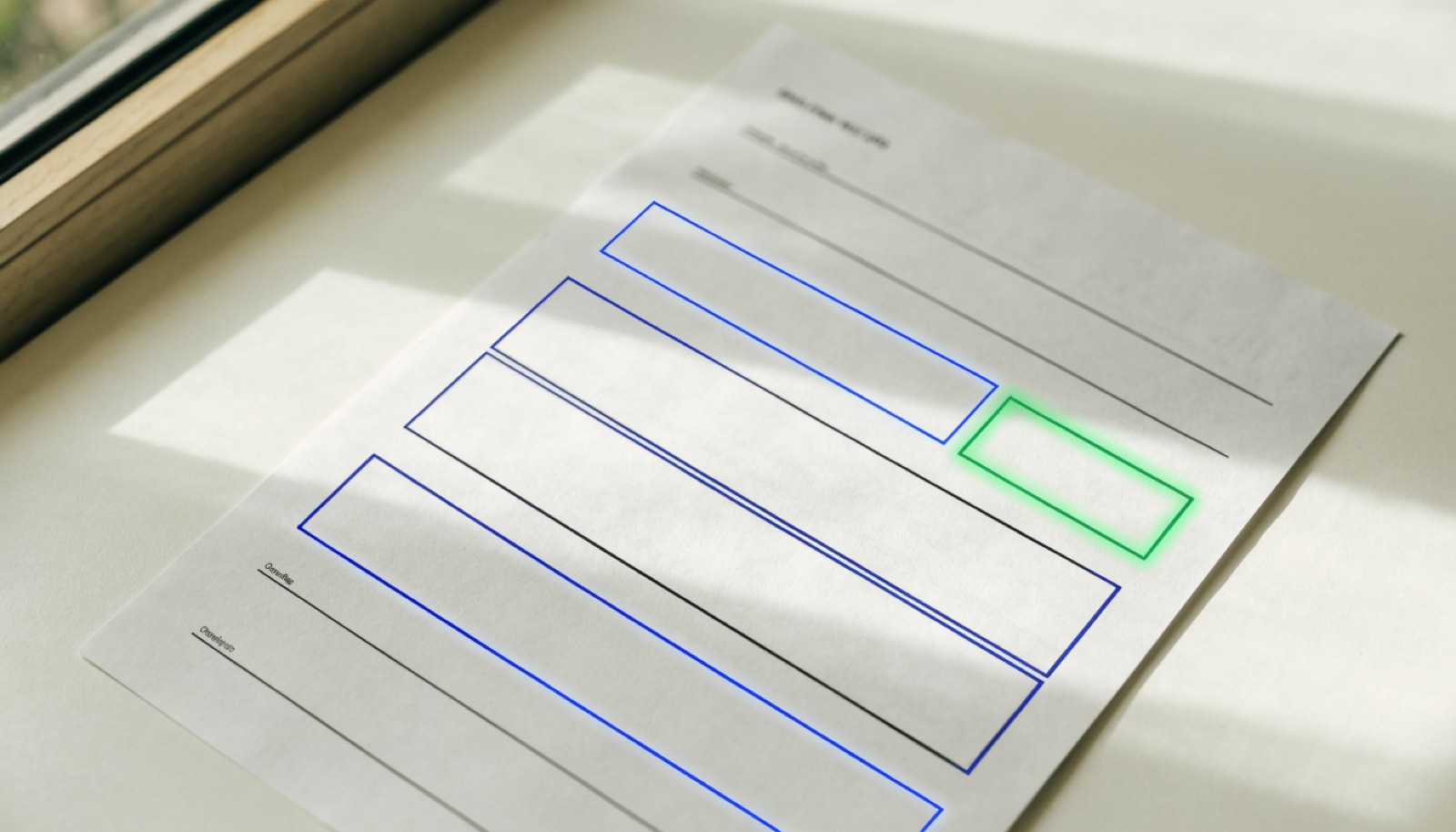
A good flag answers four questions without making the reviewer hunt: which field, why it was flagged, where any candidate values came from, and what the choices are. The reviewer should be able to pick a value, type one, or deliberately leave the field blank, and the decision should be recorded.
A useful flag, in practice:
- The field, in context. Highlighted on the page, not just named in a list.
- The reason in plain words. "Two addresses on file," not "confidence 0.62."
- The source. Which record and which property each candidate came from.
- The choices. Pick one, type one, or leave it blank on purpose.
- Nothing moves on while it's open. No signing, no sending.
This is how AppliFlo's PDF and Word forms are designed. A value that won't fit, or one AppliFlo is unsure of, is flagged for you and never quietly guessed. If a client has two addresses on file, AppliFlo shows both and asks which one goes on this form.
How should an AI form filler learn from corrections?
It should remember them, visibly. When a person moves a misplaced box or fixes a mislabelled field, the next copy of the same form should come back corrected. But the correction should belong to the team, be visible as a correction, and be reversible, so a mistake doesn't quietly become the new normal.
There's a difference between learning and drifting. Learning means: you fixed the postcode box on this lease form, so next time it's in the right place, and everyone on the team gets the same fix. Drifting means: the system changed its behaviour and nobody can tell what or why.
In AppliFlo, form memory keeps your corrections for the workspace, so everyone gets the same corrected form, and Undo all puts the form back to how AppliFlo first read it.
Where should AI never decide on a form?
Declarations, signatures and submission. A declaration is a person's statement that the information is true. A signature is a person's agreement. Submission, and any payment, commits the person to it. AI can prepare everything up to those points; the points themselves belong to people.
Three lines we don't cross:
- Declarations and character questions. AI shouldn't answer questions about a person's history, health or conduct from inference. If the record doesn't say, a person decides.
- Signatures. A signature line is kept for signing, not filled with a typed name.
- Submit and pay. AppliFlo never submits a form and never pays. In AppliFlo for Chrome, coming soon to the Chrome Web Store, it fills each page of an online portal, stops on the final step, and you press Submit. We explain why in why our form filler stops before Submit.
This is general information, not legal or migration advice. A registered migration agent or lawyer can advise on how to answer declaration questions.
What should you ask an AI form-filling vendor?
Ask how the tool behaves when it's unsure, not how often it's right. Ask what it flags, what a reviewer sees, what it learns, what it will never do on its own, and what data the AI actually sees. The answers tell you whether the tool will make your team faster or just make its mistakes harder to spot.
That last one is a fair test of honesty. We don't publish an accuracy figure, because it would describe our test forms, not yours. Try your own hardest forms instead.
For the practical side of setting this up, see how to fill a PDF form automatically, and our security page covers what AppliFlo stores and how.
Questions people ask
How accurate is AI form filling?
It varies with the form, the scan quality and how complete your data is, so a single accuracy percentage tells you little. A more useful test is what the tool does when it can't support a value: does it flag the field for review, or fill it anyway? Try it on your own hardest forms, with a record that has gaps and conflicts.
Should AI fill forms without human review?
Not official or legal forms. Most of them end with a declaration that the information is true and correct, signed by a person who's responsible for it. AI can do the retyping and spot problems, but a person should review anything flagged, read the declaration, sign it and press Submit themselves.
What does human-in-the-loop mean for paperwork?
It means the software does the routine work and stops at defined points for a person to decide. For forms, those points are uncertain fields, declarations, signatures and submission. The person sees why the software stopped, makes the call, and the decision is recorded. It's the opposite of 'fully automatic.'
What should a flagged field show the reviewer?
Four things: which field it is, why it was flagged (missing, ambiguous, conflicting or doesn't fit), where any candidate values came from, and the choices available. The reviewer should be able to pick a value, type one, or leave the field blank on purpose, without hunting through the record.